The Phomemo M110 Label Printer review is most relevant to small businesses and home users who want to create product, address, barcode, or organization labels from a phone.
Its three included label sizes and template-rich app make it a flexible starting point, provided your label work fits its compact format and app-based Bluetooth setup.
Phomemo M110 Review Summary
The quick verdict
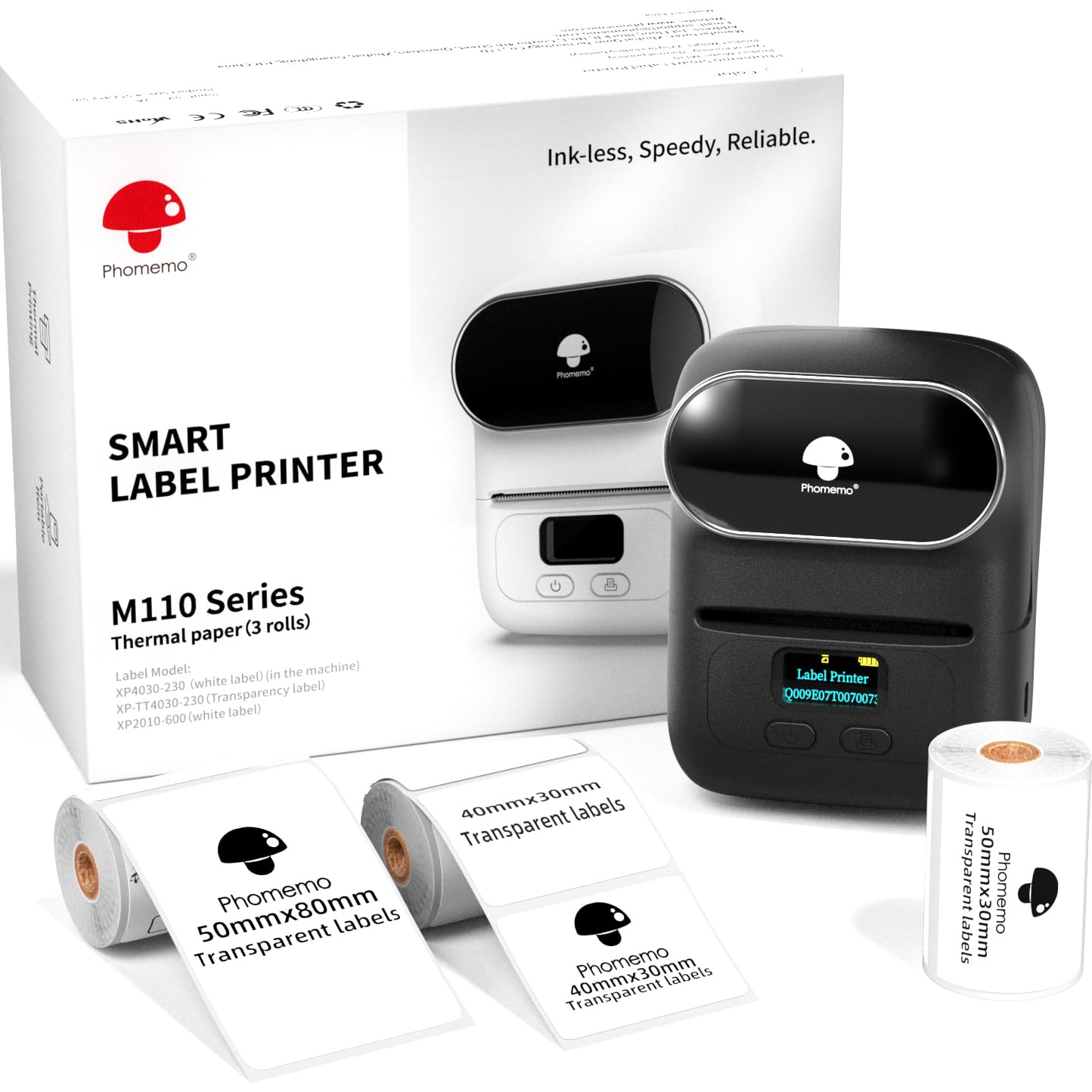
1,000+ ratings
Read Amazon ReviewsPhomemo M110 Label Printer
A portable thermal label printer for small businesses and home users who need flexible, app-designed labels in several compact sizes.
- Prints labels 20–50 mm wide and up to 80 mm long.
- Includes 40 × 30 mm, 50 × 30 mm, and 50 × 80 mm label sizes.
- Print Master app supports Bluetooth editing and printing, ready-made templates, and saved custom templates.
- Design options include more than 30 fonts, 500+ emojis, and 40+ borders.

Pros
- Three included label sizes give buyers options for testing compact label layouts.
- App templates and saved designs can speed up repeat labeling tasks.
Consider before buying
- The supported label size tops out at 50 mm wide and 80 mm long, which may not suit larger label jobs.
- Bluetooth setup requires connecting through the Print Master app rather than the device's Bluetooth settings.
Read the full review summary
The M110 is a compact thermal label printer built around flexible, small-format labeling. It supports label widths from 20 to 50 mm and lengths up to 80 mm, with templates for common business and household tasks.
The included 40 × 30 mm, 50 × 30 mm, and 50 × 80 mm sizes let you try different layouts before settling on a regular format.
Its Print Master app handles design and printing over Bluetooth, with saved templates, more than 30 fonts, 500+ emojis, and 40+ borders. Batch printing and OCR add useful tools for repeat work and converting text in an image.
The M110 is a better fit for compact labels and mobile workflows than for buyers who need a larger shipping-label format or prefer to design and print without a phone app.
The buying factors
Phomemo M110 Scorecard
Editorial scores reflect listed features and buyer fit; they are not laboratory measurements or customer ratings.
Label size flexibility
Supports widths from 20 to 50 mm and lengths up to 80 mm, with three label sizes included.
Design tools
The app includes templates, saved designs, fonts, borders, emojis, and OCR.
Batch workflow
Batch printing is supported, and the listed speed is 1.2 inches per second.
Portability
The M110 is described as a mini portable printer and offers up to four hours of continuous working time.
Setup simplicity
Bluetooth printing runs through Print Master, so buyers need to connect from the app rather than the device's Bluetooth settings.
Small business fit
Its compact formats and support for product, price, address, barcode, and clothing labels suit many retail and small-business tasks.
Key Features and Specifications of Phomemo M110
- Prints labels 20–50 mm wide and up to 80 mm long.
- Includes 40 × 30 mm, 50 × 30 mm, and 50 × 80 mm label sizes.
- Print Master app supports Bluetooth editing and printing, ready-made templates, and saved custom templates.
- Design options include more than 30 fonts, 500+ emojis, and 40+ borders.
- Supports text, images, QR codes, barcodes, and batch printing.
- OCR can recognize text from images in four seconds and convert it to editable text.
- Thermal printer with a listed speed of 1.2 inches per second and up to four hours of continuous working time.
Pros and Cons of Phomemo M110
Pros
- Three included label sizes give buyers options for testing compact label layouts.
- App templates and saved designs can speed up repeat labeling tasks.
- Supports both common text labels and codes, including barcodes and QR codes.
- Batch printing and OCR add practical tools for small-business workflows.
Consider before buying
- The supported label size tops out at 50 mm wide and 80 mm long, which may not suit larger label jobs.
- Bluetooth setup requires connecting through the Print Master app rather than the device's Bluetooth settings.
- The described workflow centers on phone-based app design and printing; buyers who need computer-first work should confirm their preferred setup before choosing.
Who Should Buy Phomemo M110?
Good fit
Consider the M110 if you run a small shop, sell handmade products, or organize supplies and want several compact label sizes in one portable printer.
Product, price, address, clothing, jewelry, and barcode labels are among the listed uses, while the app’s templates and saved designs may help when you print similar labels repeatedly.
It is also a reasonable choice if you expect to work in batches or want to convert text from an image into editable content before printing.
Check that your labels fit within the 20–50 mm width and up-to-80 mm length range, and plan to connect through the Print Master app.
Who should skip it
Skip this model if your regular work requires labels wider or longer than its supported format.
It is also a poor fit if your workflow depends on connecting through the phone’s Bluetooth settings instead of the Print Master app.
How the Phomemo M110 Fits Everyday Labeling
Three sizes for trying compact layouts
The included 40 × 30 mm, 50 × 30 mm, and 50 × 80 mm labels cover a useful range of small formats.
That gives a new buyer room to compare a compact tag with a taller label before choosing a preferred size.
The printer’s overall limits—20–50 mm wide and up to 80 mm long—are the key constraint to check against your packaging, shelf, or storage needs.
An app-centered design process
Print Master is the control point for Bluetooth connection, editing, and printing. Ready-made templates can shorten setup for routine label types, while saved custom templates help keep recurring designs consistent.
The connection detail matters: the printer should be paired from inside the app, so a buyer setting up several devices should account for that workflow.
Useful tools for repeated business tasks
Batch printing is useful when preparing a run of similar labels, and the listed 1.2-inch-per-second speed gives a sense of its intended pace. OCR adds another route for turning text in an image into editable content.
These tools make the M110 more appealing for recurring small-label work than for occasional one-off labeling where app setup and design options may be unnecessary.
A portable thermal format with clear limits
The M110 uses thermal printing and is described as providing up to four hours of continuous working time.
Its compact label range suits small products, addresses, and organization tasks, but the maximum 80 mm length means buyers should measure their intended label area before purchasing.
For jobs with larger label dimensions, this model’s format may be restrictive.
Alternatives to Phomemo M110
Desktop Label Printers alternative
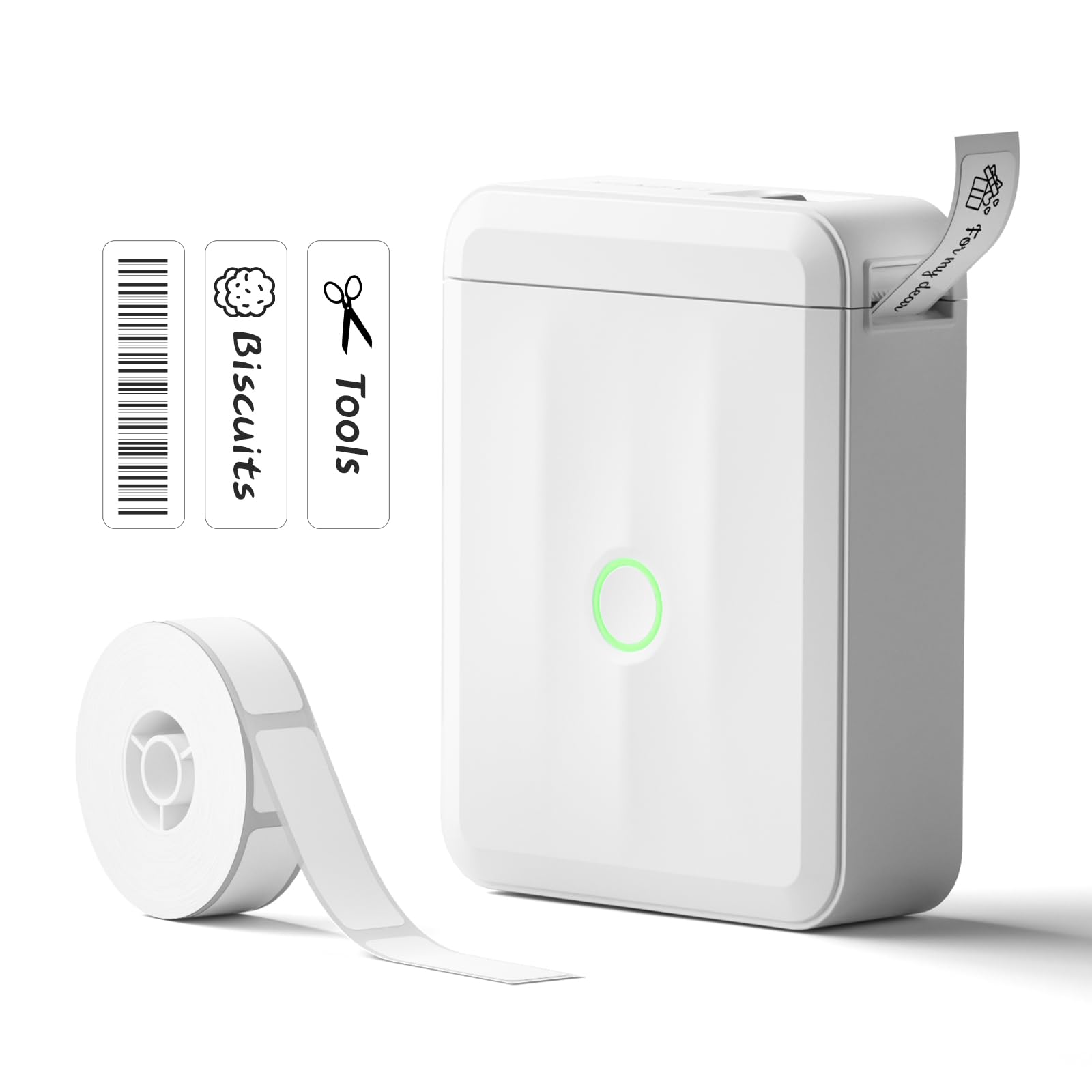
14,000+ ratings
Read Amazon ReviewsNIIMBOT D110 Label Maker
Choose the M110 if its three included sizes and listed business label uses suit your work. Consider the D110 for basic phone-based organization if its label options fit your needs and computer printing is not required.
- The NIIMBOT D110 is designed for phone-based home, school, and office organization.
- It uses the NIIMBOT app, supports multiple label types and sizes, and does not work with computers.
- The Phomemo M110 includes three label sizes and supports labels up to 50 mm wide and 80 mm long, with Bluetooth printing through Print Master.
Desktop Label Printers alternative
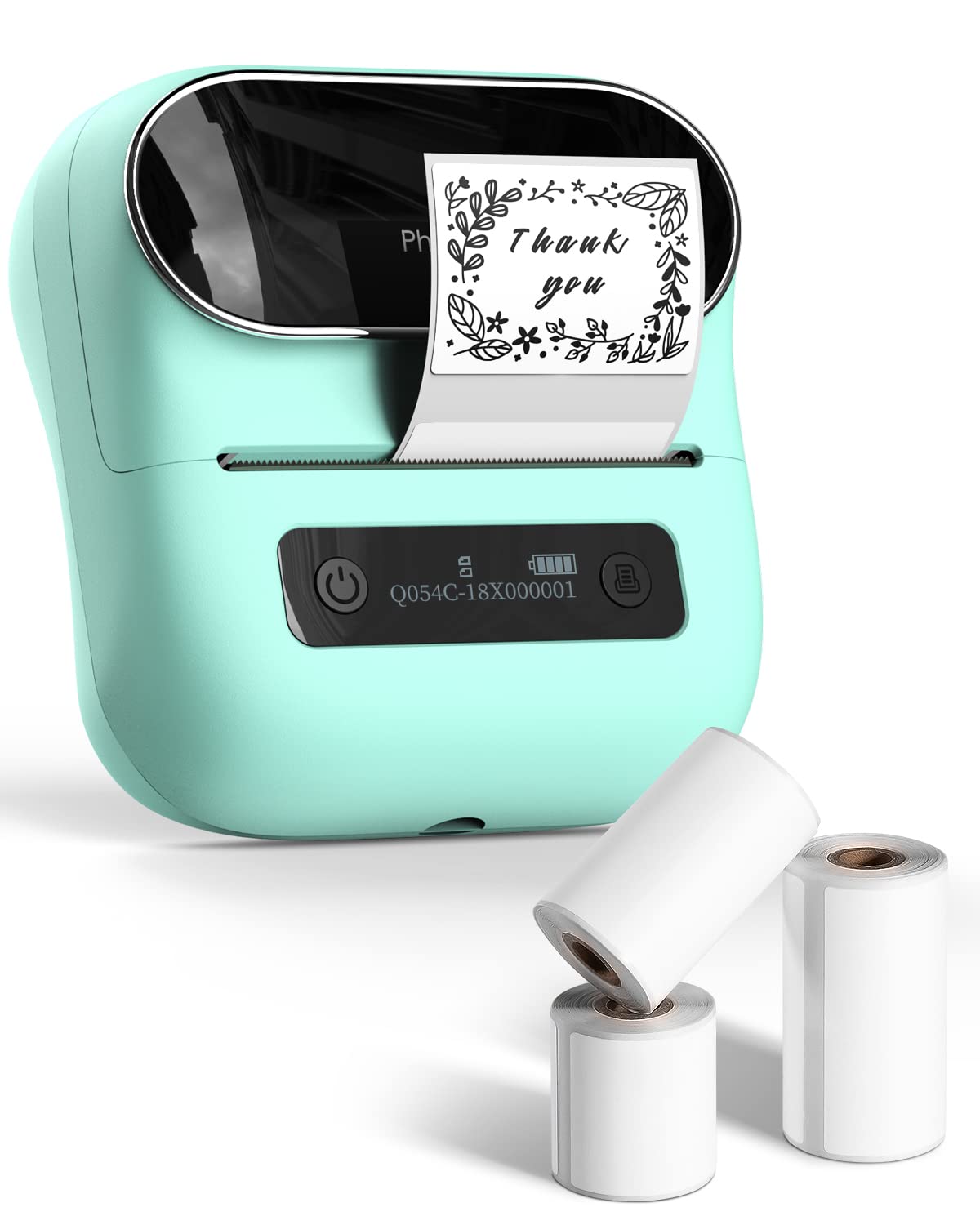
700+ ratings
Read Amazon ReviewsPhomemo M220 Label Maker
The M110 is a sensible fit when its smaller range and included label sizes cover the job.
Consider the M220 if you need a wider supported label format or want a documented USB computer workflow; check that its width range matches your intended labels.
- The M220 supports label widths from 0.78 to 3.14 inches, with Bluetooth for phones and tablets and USB connections for computers.
- It uses Print Master for mobile printing and Labelife with a driver for computer use.
- The M110 is a compact-format printer with a maximum label width of 50 mm and length of 80 mm; its listed workflow centers on Bluetooth and Print Master.
Is Phomemo M110 Worth It?
The Phomemo M110 Label Printer is worth considering for small businesses and home users who need flexible, compact labels, app templates, and support for codes and batch printing.
Three included sizes make it easier to explore formats, while OCR and saved templates add useful options for repeat work.
Before buying, confirm that your labels fit within 20–50 mm wide and up to 80 mm long, and that connecting through Print Master suits your workflow.
If those limits match your needs, the M110 offers a practical mix of portability and design flexibility for small-format labeling.
Your review at a glance
1,000+ ratings
Read Amazon ReviewsPhomemo M110 Label Printer
A portable thermal label printer for small businesses and home users who need flexible, app-designed labels in several compact sizes.
- Prints labels 20–50 mm wide and up to 80 mm long.
- Includes 40 × 30 mm, 50 × 30 mm, and 50 × 80 mm label sizes.
- Print Master app supports Bluetooth editing and printing, ready-made templates, and saved custom templates.
- Design options include more than 30 fonts, 500+ emojis, and 40+ borders.